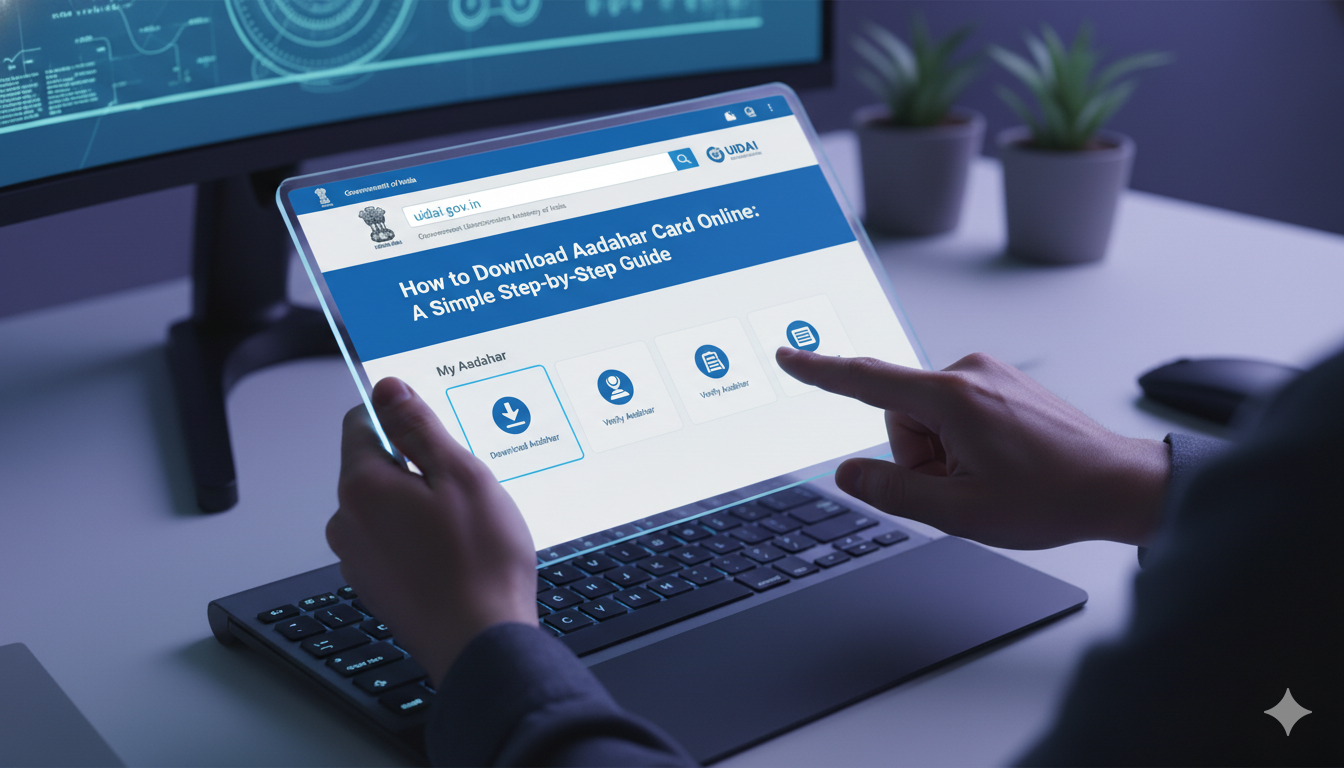
How to Download Aadhar Card Online: A Simple Step-by-Step Guide
Hey there! If you live in India, you already know how important your Aadhaar card is. It is your ultimate identity proof for opening bank accounts, getting a new SIM card, or applying for jobs. But what happens if you lose your physical card or leave it at home? Don’t worry at all. You can easily get a digital copy on your phone or computer in just a few minutes.
In this friendly guide, I will show you exactly how to download aadhar card without any stress. The Indian government has made this digital process super smooth for everyone. You do not need to be a tech genius to figure this out. I have helped many of my friends and family members do this, and today, I will walk you through it step-by-step. Let’s get started and clear up all your doubts!
What is an Electronic Aadhaar Card?
An electronic Aadhaar, or e-Aadhaar, is simply a digital version of your physical identity card. It is password-protected and carries the exact same value as the printed card you receive in the mail. The Unique Identification Authority of India (UIDAI) creates these files so you can access your data whenever you need it. You can save it on your smartphone or keep it in your email for emergencies.
Many people wonder if a digital copy is legally valid at airports or government offices. The answer is a big yes! It holds 100% official weight across the country. Having a digital backup means you never have to worry about losing your original plastic card while traveling. It is safe, secure, and always ready to use.
Why You Need to Download Aadhar Card PDF Right Now
Life moves fast, and you never know when you might need your ID proof. Keeping a copy on your personal device saves you from unexpected headaches. When you download aadhar card pdf, you gain instant access to your 12-digit identification number. You can print it out whenever a local office asks for a physical paper copy.
I always tell my friends to keep a copy saved in a secure folder on their phones. If you are applying for a quick loan or registering for a college exam, a digital PDF is a lifesaver. You can upload it directly to official websites without needing a scanner. It saves you time, money, and a lot of unnecessary running around.
The Official Website to Download Aadhar Card Online
To begin the process, you need to visit the official web portal managed by the UIDAI. The website is clean, safe, and designed to protect your private information. You should always make sure you are on the real government portal and not a fake blog. Look for the secure lock symbol in your browser address bar before typing any personal details.
Once you land on the homepage, you will see a prominent section called “My Aadhaar.” Under this menu, you will easily find the specific option to download aadhar card online. Clicking this link will take you to a secure login page where the actual magic happens. The website works well on both desktop computers and mobile screens.
How to Download Aadhar Card with Mobile Number easily
The most popular way to get your digital card is by using your registered phone number. When you first signed up for Aadhaar, you linked a specific mobile number to your profile. The system uses this number to verify your true identity through a secure text message code. This prevents random strangers from accessing your private data.
To download aadhar card with mobile number, you just need to enter your 12-digit Aadhaar number on the portal. After that, you solve a quick visual puzzle called a captcha and click the send button. Within a few seconds, a unique One-Time Password (OTP) will arrive on your phone. Type that code into the website, and your file will start downloading instantly.
Step-by-Step Guide: How to Download Aadhar Card Online
Let us break down the entire process into very simple steps that anyone can follow. First, open your web browser and go to the official myAadhaar portal. Second, select the option that says “Download Aadhaar” from the main dashboard screen. Third, choose whether you want to enter your Aadhaar number, Enrollment ID, or Virtual ID.
Next, carefully type your numbers and enter the captcha code exactly as it appears on the screen. Click on the “Send OTP” button and check your mobile phone for the text message. Enter the six-digit code into the box on the website before the timer runs out. Finally, click the verify button, and your official digital card will save to your device.
Can You Get Your Card Without a Registered Phone?
This is a question I hear all the time from worried people. If you lose your old phone number, you cannot receive the secure OTP code on your device. Without that code, you cannot download aadhar card directly from the website for safety reasons. The system needs to be absolutely sure that you are the actual owner of the card.
If you find yourself in this situation, you have two main choices. You can visit a local Aadhaar center to update your phone number in the official records. Alternatively, you can use the face authentication feature on the official mobile app if your laptop has a good camera. Keeping your phone number updated is always the best habit.
How to Open Your Password Protected PDF File
Once the file finishes saving to your computer, you will notice that you cannot open it immediately. This is because the document is locked with a clever security password to protect your data. Many people get confused here and think their file is corrupted, but it is just a safety measure. The password follows a very predictable pattern based on your personal name.
The password is a combination of the first four letters of your name in CAPITAL letters, followed by your birth year. For example, if your name is AMIT KUMAR and you were born in 1995, your password is AMIT1995. If your name is JOY and you were born in 2002, your password will be JOY2002. Type it in, and your card opens right up!
Tips to Download Aadhar Card from USA or Abroad
Are you currently living, studying, or working outside of India? You might think it is impossible to access your Indian identity documents from another country. Luckily, you can easily download aadhar card from usa or any other place across the globe. The official website is accessible internationally as long as you have a stable internet connection.
The only tricky part is making sure your Indian mobile number is active for international roaming. You need to receive that crucial OTP text message to complete the security verification process. If your Indian SIM card is turned off, you might need to ask a family member back home to share the code with you over a quick voice call.
Understanding the Difference Between Regular and Masked Aadhaar
When you are about to save your file on the portal, you will see a small checkbox that asks if you want a masked Aadhaar. A regular digital card shows all twelve digits of your unique number clearly on the paper. A masked version hides the first eight digits with cross marks, showing only the final four numbers.
Masked cards are fantastic for extra privacy when you are sharing your ID with local hotels or movie theatres. It proves your identity without giving away your full, sensitive government number to random businesses. You can choose whichever version makes you feel most comfortable depending on where you plan to submit the document.
Common Mistakes to Avoid During the Download Process
While the system is very user-friendly, people still make a few simple mistakes that slow them down. The most common error is typing the visual captcha code incorrectly because of confusing capital letters. Another frequent slip-up is waiting too long to type the mobile OTP code, causing the webpage timer to expire.
Always make sure you have a strong internet connection before you begin the process. If your internet cuts out in the middle, the file might not save completely to your downloads folder. Also, remember to delete the file from public computers if you are using an internet cafe, so strangers cannot access your private records.
Conclusion
Downloading your digital identity card is a smart move that gives you peace of mind wherever you go. It takes less than five minutes but saves you from stressful situations when you need quick proof of identity. Now that you know the steps, you can help your parents or grandparents get their digital copies too.
Remember to keep your downloaded PDF file in a secure place and never share your password with strangers. Your Aadhaar is a powerful document, and keeping it safe is your responsibility. If you found this guide helpful, feel free to share it with a friend who might need to update their digital records today!
(FAQs)
Q1: Is the downloaded digital Aadhaar card as valid as the original physical card?
Yes, it is completely valid. The digital version carries the exact same legal value as the physical card sent by post.
Q2: What should I do if I do not get the OTP on my mobile phone?
Check your network connection or wait a few minutes. If it still does not arrive, click the “Resend OTP” button on the screen.
Q3: Can I download my card using an enrollment number instead of the Aadhaar number?
Yes, you can. You can use the 28-digit Enrollment ID found on the paper slip given to you during your registration.
Q4: Is there any fee to download my digital card online?
No, this service is completely free of cost. You can access and save your document from the official portal without paying anything.
Q5: Why is my Aadhaar card PDF file not opening on my smartphone?
Your file is locked for safety. You need to enter a password using the first four letters of your name in capitals and your birth year.
Q6: Can I download my digital card if my current mobile number is not registered?
No, you must have an active registered mobile number to receive the security code. You will need to visit an enrollment center to update it.